



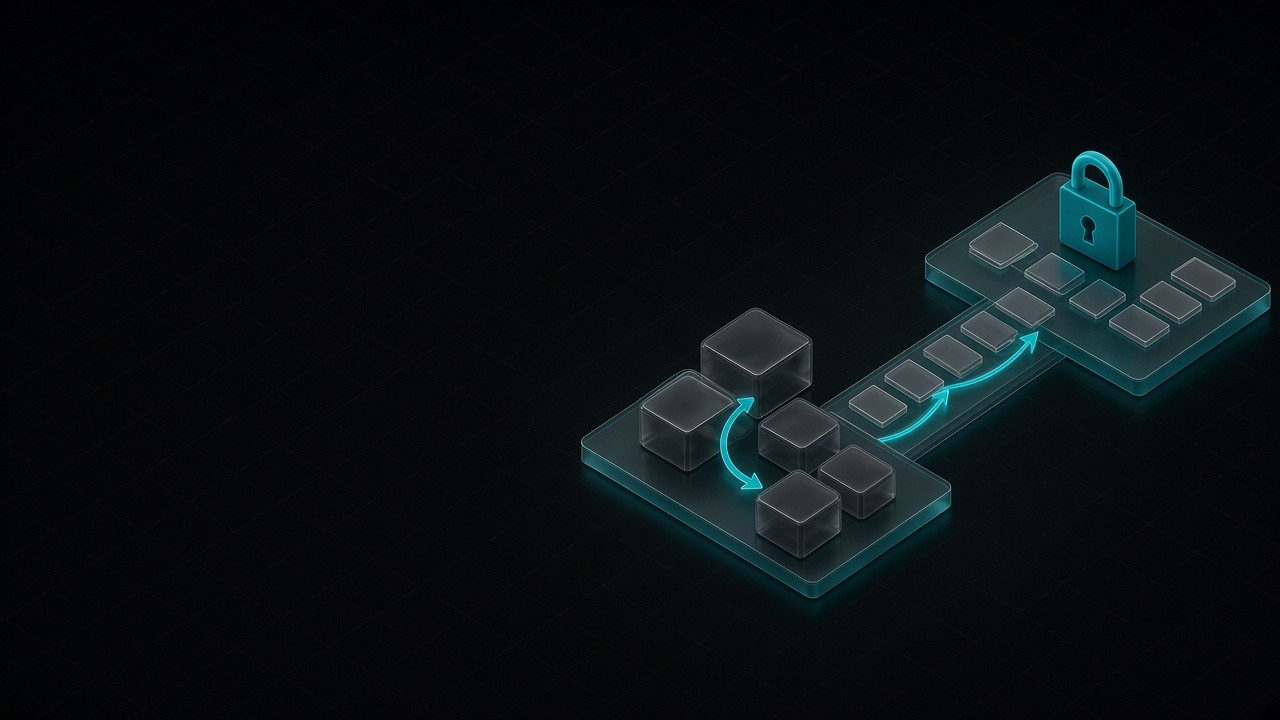
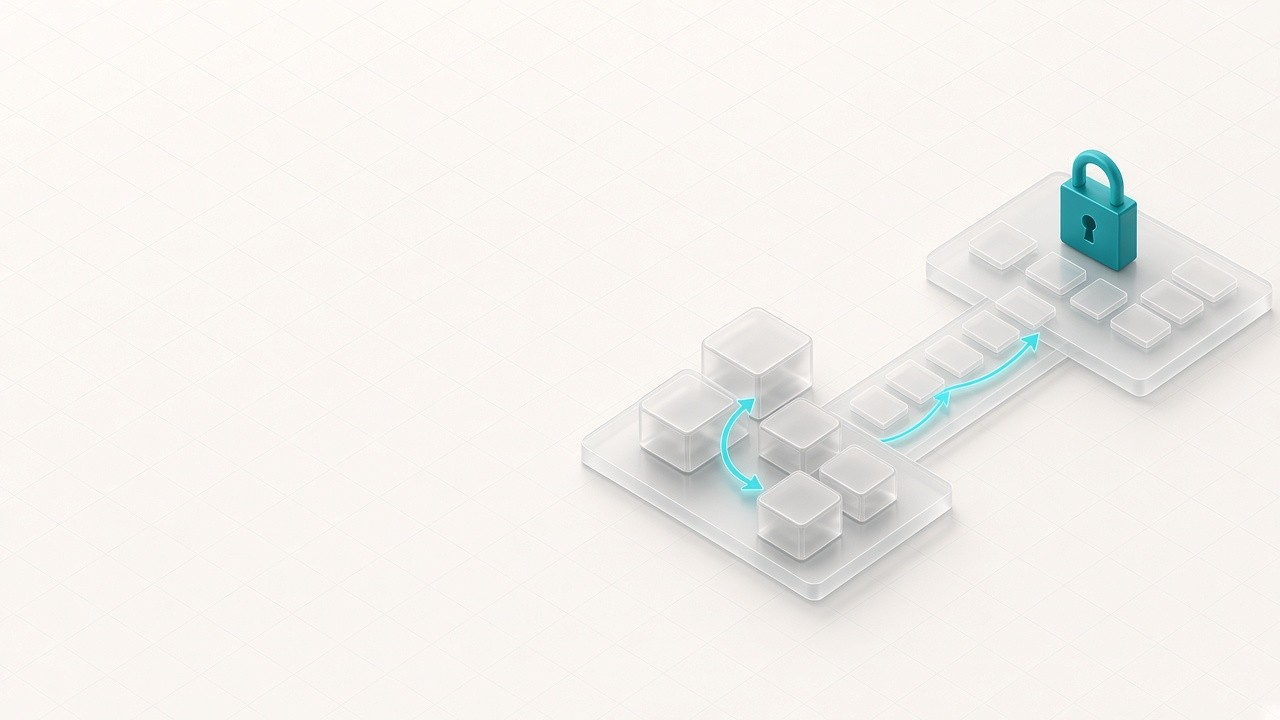
This guide is for teams that have already decided, or are one audit away from deciding, to leave WordPress for Astro. By the end you’ll have the cutover sequence that protects SEO and logins: URL map, 301s, content port, feature rebuild, credential rotation, and Search Console watch.
For why the platform accumulates risk in the first place, see How WordPress Quietly Kills Businesses in 2026. For the business fit question, see Astro vs WordPress for AI-era business websites. Price the owned path against retainers and hosting rent with own vs rent.
01 · Kill the fear with a map
SEO loss is a process failure, not a platform tax
Rankings drop when URLs break, redirects are missing, or metadata disappears. They do not drop because the HTML was generated by Astro instead of PHP. Before anyone touches design:
- Export a full URL inventory from WordPress (sitemap, Screaming Frog, or Search Console coverage).
- Build a URL map: old path → new path. Prefer keeping paths identical when the information architecture still fits.
- Decide redirects up front: every changed or retired URL gets a single 301 to the best surviving page (not a homepage dump).
- Preserve on-page SEO fields: title, meta description, canonical, Open Graph, headings hierarchy, and image alt where they matter.
Treat the map as a deliverable. If it is not written down, the migration is not ready.
02 · Content port
Move the system of record, not just the theme
Port posts, pages, and media with parity checks:
- Body content into Astro content collections or a headless CMS, not a one-way paste into a page builder you will abandon again.
- Media to your CDN or object storage with stable public URLs (or redirects from old
/wp-content/uploads/...paths). - Taxonomies and relationships (categories, tags, related posts, authors) only if they still earn their keep.
- Forms and lead destinations: wire to the CRM or inbox you actually use, not a plugin that emailed “admin@” forever.
Spot-check a sample of high-traffic and high-conversion URLs side by side before DNS flips. The goal is identical meaning and better performance, not a surprise IA rewrite on migration day.
03 · Plugin feature rebuild
Inventory the job, then delete the runtime
List every active plugin and label it: SEO, forms, cache, security, membership, commerce, builder, spam, analytics, “nobody knows.” Then:
| Keep the job | Typical Astro-era replacement |
|---|---|
| Meta / sitemap / schema | First-party SEO in the site or CMS |
| Forms / lead capture | Owned endpoints + CRM |
| Cache / “speed” plugins | Usually unnecessary on static/edge Astro |
| Security / firewall plugins | Smaller attack surface; host + WAF as needed |
| Page builders | Components in the repo |
| Membership / LMS / heavy Woo | Stay on WP or hybrid until redesigned |
Most marketing sites discover that half the plugin list existed to compensate for WordPress being a dynamic app. Astro removes the need for that compensation layer. Rebuild features you still sell with; do not recreate a plugin zoo for nostalgia.
04 · Logins, passwords, and cutover hygiene
Treat migration like a credential event
wp-admin does not migrate. Plan the human side:
- Staff access: who publishes, who deploys, who owns DNS and Cloudflare.
- Members / customers: if WordPress logins mattered, design the new auth path or keep that surface on WP temporarily.
- Rotate secrets: application passwords, plugin API keys, database credentials, WordPress salts if the old host remains online even briefly.
- Decommission cleanly: after cutover, do not leave an unpatched WordPress admin on a forgotten subdomain “just in case.”
Password resets feel like friction. Leaving an abandoned WordPress install online after migration is how you keep the risk you paid to leave.
05 · Go live and watch GSC
Cutover checklist operators actually use
- Deploy Astro to Cloudflare (or your target host); verify staging on a temporary hostname.
- Ship 301 redirect rules at the edge or host, test a sample of mapped URLs.
- Flip DNS; confirm HTTPS and www/apex preference match Search Console property setup.
- Submit the new sitemap; request indexing on key money pages.
- Monitor Search Console for 2–4 weeks: coverage errors, spike in 404s, unexpected query drops.
- Fix map misses immediately, do not wait for a monthly SEO report.
Performance often improves because Astro ships less JavaScript by default. That can help Core Web Vitals and conversion (the Google / Deloitte 0.1s → +8.4% retail conversion frame still applies), but it does not excuse a missing redirect.
06 · When to stay on WordPress
Sequence beats a forced leap
Stay, or hybrid, when:
- WooCommerce (or similar) is deep: subscriptions, complex checkout plugins, tax/shipping stacks you are not ready to replace.
- Editorial reality is daily non-technical publishing in
wp-adminwith no CMS plan for Astro yet. - Compliance or membership systems are welded to WordPress plugins and a rewrite would stall the business.
In those cases: harden and simplify WordPress now, migrate the marketing site when ready, keep commerce or members on WP until you have a real target architecture. Headless WordPress + Astro front end is a valid bridge. You still pay WP hosting and security, but the public site gets faster. Full ownership comes when the PHP app is no longer the front door.
If the blocker is fear rather than complexity, run the map exercise anyway. Fear without a URL inventory is not diligence.
Conclusion
Migration is a checklist, not a leap of faith
WordPress to Astro succeeds when the URL map, redirects, content parity, feature rebuild, and credential plan ship together, and Search Console is watched like a production system. It fails when teams treat migration as a visual redesign and “SEO later.”
If the site is already a liability, migrate with a map, or stay with a reason, not with avoidance. The risk, fit, and own-vs-rent links above are the decision stack; this page is the checklist.